Google Business Profile Audit Checklist for Beginners: The 5-Minute Public Check
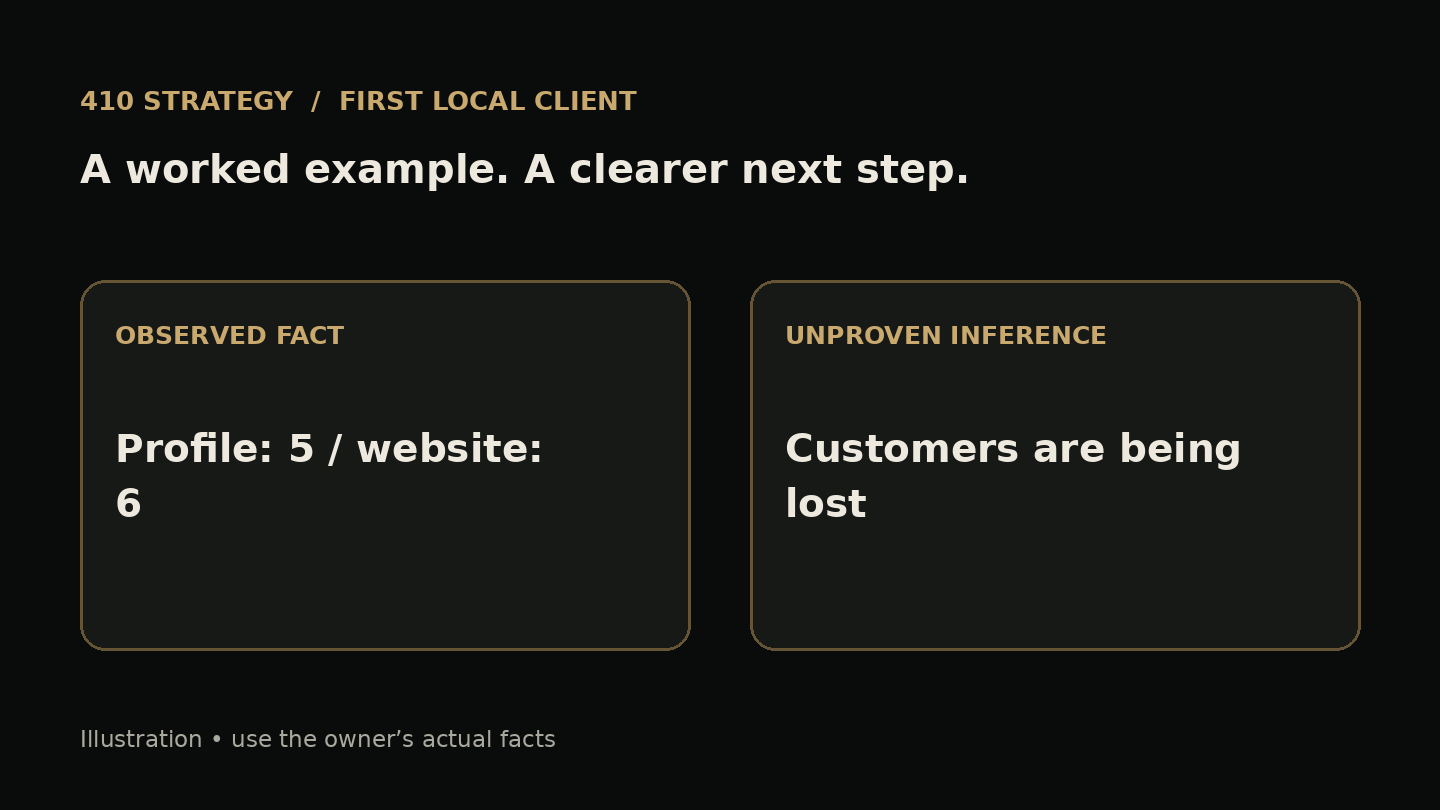
It's Tuesday night. You're on the couch with Google Maps open to a bakery two streets over. The profile says it closes at 5 on Saturday. Their website says 6. It is tempting to turn that mismatch into a story about lost customers. But the mismatch is all you know. Here is the clear answer: a beginner's Google Business Profile audit is five public checks you can do in about five minutes. Check the name, the category, the hours, the contact links, and the photos and description. Write down what you saw. Keep it apart from what you think it means. Then let the owner tell you which version is true.
What this check is, and what it isn't
This check gives you a short list of public facts that may not match each other. It does not tell you where a business shows up in search or how many calls it gets. It doesn't prove anything about the owner's sales. You can't see any of that from the outside. What you can see is whether the profile agrees with the business's own sign, website and social pages. When two of those disagree, you have something real to ask about. That is the whole job of the first five minutes.
The five public points to check
1. Name. Google's own guidance says the name on the profile should match the name on the business's real signage and branding. Compare the profile name with the sign in the photos or the logo on their website. Write down any difference word for word, like extra service words or a city tacked onto the end.
2. Category. Write down the category you can see on the public profile. Google's category guidance says to describe the main business. Open the website and find what they sell most. Write both down. A bakery listed as Cafe isn't automatically wrong. It's a difference worth a question.
3. Hours. Check the regular hours, then look for holiday or special hours. Compare them with the website, the door sign in a recent photo, and any recent social posts. Write down the date you checked, because hours change.
4. Contact links. Does the website button open the right site, or a dead page? Does the phone number on the profile match the one on the website? Just compare what's written. You don't need to call.
5. Photos and description. Is there an exterior photo that would help someone find the door? Is there a From the business description, and does it describe what they actually do? Google says descriptions should focus on the business, not on promotions or URLs. Note what you see, not how pretty it is.
Observation versus inference: the habit that keeps you honest
An observation is something anyone could check and get the same answer. The profile says closes at 5. An inference is your guess about what that means. Saturday customers are showing up to a locked door. The inference might be true. It might also be backwards. Maybe the bakery closes at 5 now, and the website is the stale one. Maybe a manager changed the hours last week, and Google is still reviewing the edit. Google says it reviews changes before they go live.
Keep three ideas separate as you fill in the worksheet: What I saw. What it could mean. What only the owner knows. The third part keeps you from walking in with an accusation. The owner always knows more than the profile does.
Illustrative example: an invented bakery
Illustrative example only. This business is made up, and none of this is a real case or result. Name: the profile says Rosa's Bakery Fresh Bread Downtown, and the sign in the storefront photo says Rosa's Bakery. Category: Cafe, while the website menu is mostly bread and cakes to order. Hours: Saturday on the profile is 7 to 5, the website says 7 to 6, checked October 6. Contact: the phone numbers match, and the website button loads. Photos and description: three interior photos, no exterior, no description.
What it could mean: the extra name words may have been added as keywords, which doesn't match Google's guidance to use the real signage name. The Saturday hours may be out of date in one place. Only the owner knows which Saturday hours are real, whether Cafe was a deliberate choice, and who added those name words. Notice what's missing from this example: any claim about sales or money. You don't know that, so you don't say it.
Copy this worksheet
Open a note or a spreadsheet and make one row per check, five rows in all. Use four columns: What I saw on the profile, What I saw elsewhere (and where), What it could mean, and Question only the owner can answer. Add the business name and the date at the top. Fill in the first two columns only from things you can see on your screen. Use a full sentence for the third column, and start it with may or might. Write the fourth column as a question with a yes or no answer, or a pick-one answer. If a row has no difference, write matches and move on. A clean row is useful information too.
The first message: facts, one question, an easy no
Pick one business, not a list. Use the contact method they publish for questions, like their email or website form. Send one message, then stop. Template: Hi [owner or business name], I was looking at [business] on Google Maps on [date]. The profile shows Saturday hours as [hours], and your website shows [hours]. Which Saturday hours are current: [profile hours] or [website hours]? If it's useful, I can send the two screenshots. If not, no problem, and I won't follow up.
Notice what the message leaves out. It doesn't guess about their sales. It doesn't talk about search position. It doesn't pitch a price. You're giving them one fact and asking one question. If they say no, or say nothing, you're finished with that business.
If they say yes: permission before access
Read Google's full third-party policies before managing a profile for someone else. The points below are a few key rules and our conservative starting approach, not the complete policy. The owner keeps ownership of their profile at all times. If they want help, they invite you as a manager. Use your own account rather than sharing their password. For a first job, work with an owner who already controls their profile and can invite you; ownership disputes belong outside this small cleanup scope. Tell them in writing, before you start and on your invoices, that the Business Profile is free from Google and that your fee pays for your labor. Tell them before you change anything. Never promise where the profile will appear in search, because Google's policy treats that kind of promise as misleading. If the facts are what's wrong, the owner can simply fix them. That's a fine outcome too.
Limits of a public check
From the outside you can't see the profile's performance numbers, pending edits, verification status, or messages. Available profile features vary, so a missing optional feature is not automatically a problem. Google can also update profiles using information from other sources, so what you see today may change tomorrow. Some differences are on purpose, like seasonal hours or a broad category. And a useful observation is not a sale. Many owners will say no or won't reply, and that's normal.
Your next step
Tonight, run the five checks on one local business you already know, and fill in the worksheet. Don't message anyone yet. Just practice writing what you saw apart from what you guess. Do it on three businesses. You'll start to notice which questions only the owner can answer, and that's the skill this whole check is built on.
5-Point Google Business Profile Public Check Worksheet
Copy these fields into your notes and fill them with the owner’s actual facts.
- Header: business name and date checked
- Rows: name, visible category, hours, contact links, photos and description
- Column 1: what I saw on the profile
- Column 2: what I saw elsewhere, and where
- Column 3: what it could mean — start with may or might
- Column 4: a factual question only the owner can answer
Sources and further reading
Keep working on your first client
Ready to scope your first job?
This check finds a fact worth asking about. The $7 GBP Flip PDF covers what comes after an owner says yes: scoping the work, pricing your labor, doing the cleanup with their permission, and handing it back. Google profiles are free. The guide teaches the work you'd charge for.
See the guideWant more field notes like this?
Join the list for occasional tips on finding, pricing, and delivering your first local marketing job. The free checklist is available now below.
Download the free checklist — no signup needed